Resolve an ambiguous search phrase through Aramark’s current public service directory, then identify the record and employer before opening an account.
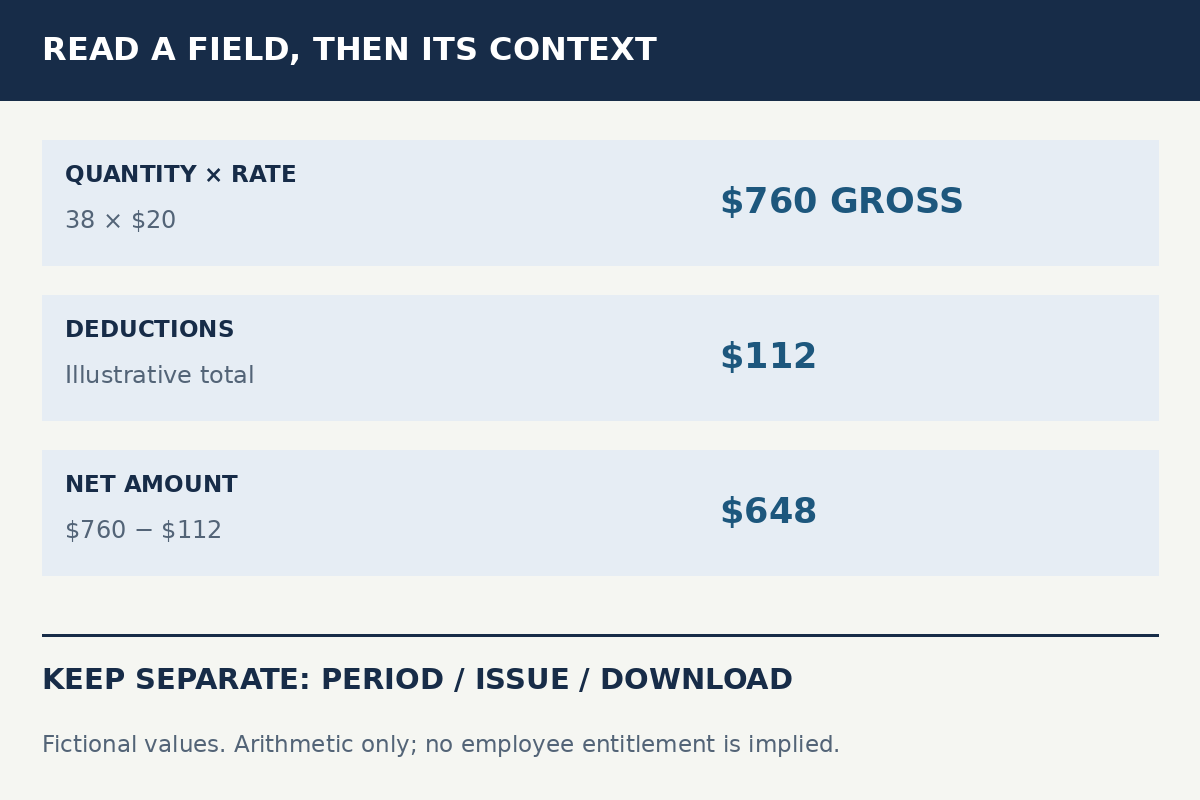
Use a fictional earnings statement to distinguish a covered period, gross amounts, deductions, net pay and year-to-date totals without inferring entitlement.
Turn a document discrepancy into a narrow question with a record reference, observed difference and requested confirmation, while keeping private data in approved channels.
Choose categories to build a reading outline. This is not a payroll calculator, correction form or account lookup. No statement, actual amount or personal field is accepted.
Choose all three categories to prepare an outline.
Read every prompt
Every prompt remains available without JavaScript. The selector does not assign a score or decide an outcome.
Which record context?
Earnings statement
Name the line and covered period
Identify the document category, covered period and field label before comparing numbers. Keep current-period and cumulative columns separate. Do not enter the actual statement or amount here.
Two document copies
Compare the same document dimensions
Record each copy’s covered period, issue label and retrieval date in an approved location. Ask which version is current; the later download is not automatically the later issue.
Employer or record owner unclear
Establish which organization owns the record
Use the employer name and document period to prepare a question for your verified employer contact. An old logo or the historical Aramark/Vestis separation does not decide an individual case.
Document type unclear
Describe the task before selecting a service
Say whether you need to understand an earnings line, profile detail, tax document or another record. The current official Employee Services directory names distinct resources; do not assume a product called MyInfo.
What evidence is available?
One document only
Separate the observation from its possible cause
Describe the field you can see and what you do not understand. Ask for its definition before alleging an error. A single value does not establish the input, calculation rule or reason for a change.
Two copies with a difference
Check period, scope and issue labels
Compare like fields across copies and mark missing labels as unknown. Ask the record owner whether one copy supersedes the other. Preserve the original copies without editing them.
An approved comparison record
Attach the comparison to a precise field
Confirm that the reference covers the same period and concept as the questioned line. Use your employer’s approved secure channel for actual records, never this publication’s editorial inbox.
What should the question resolve?
Understand a label
Ask what the field measures
Ask what the named label represents, which period it covers and whether it is current-period or cumulative. A definition can resolve a question before any correction is needed.
Explain a difference
Request reconciliation of the two observations
State which matching fields differ and which source you used for comparison. Ask what accounts for the difference without inventing a software fault, delay or payroll rule.
Confirm a correction outcome
Define what closes the question
Ask which confirmation or replacement document establishes the result. Distinguish sent, acknowledged, under review and corrected. Recheck the original field and period when an answer arrives.
The employer confirms the actual record and correction process. This planner does not contact Aramark or Vestis.
Source boundary
The employer owns the record.
These articles do not calculate wages or decide whether a record is correct. The local planner never accepts a statement or contacts an employer.